Android TV Box vs IPTV Box: which one should you buy in 2027? If you're planning to watch IPTV in Canada, choosing the right streaming device can make a big difference in how you access live TV, sports, movies, and international channels.
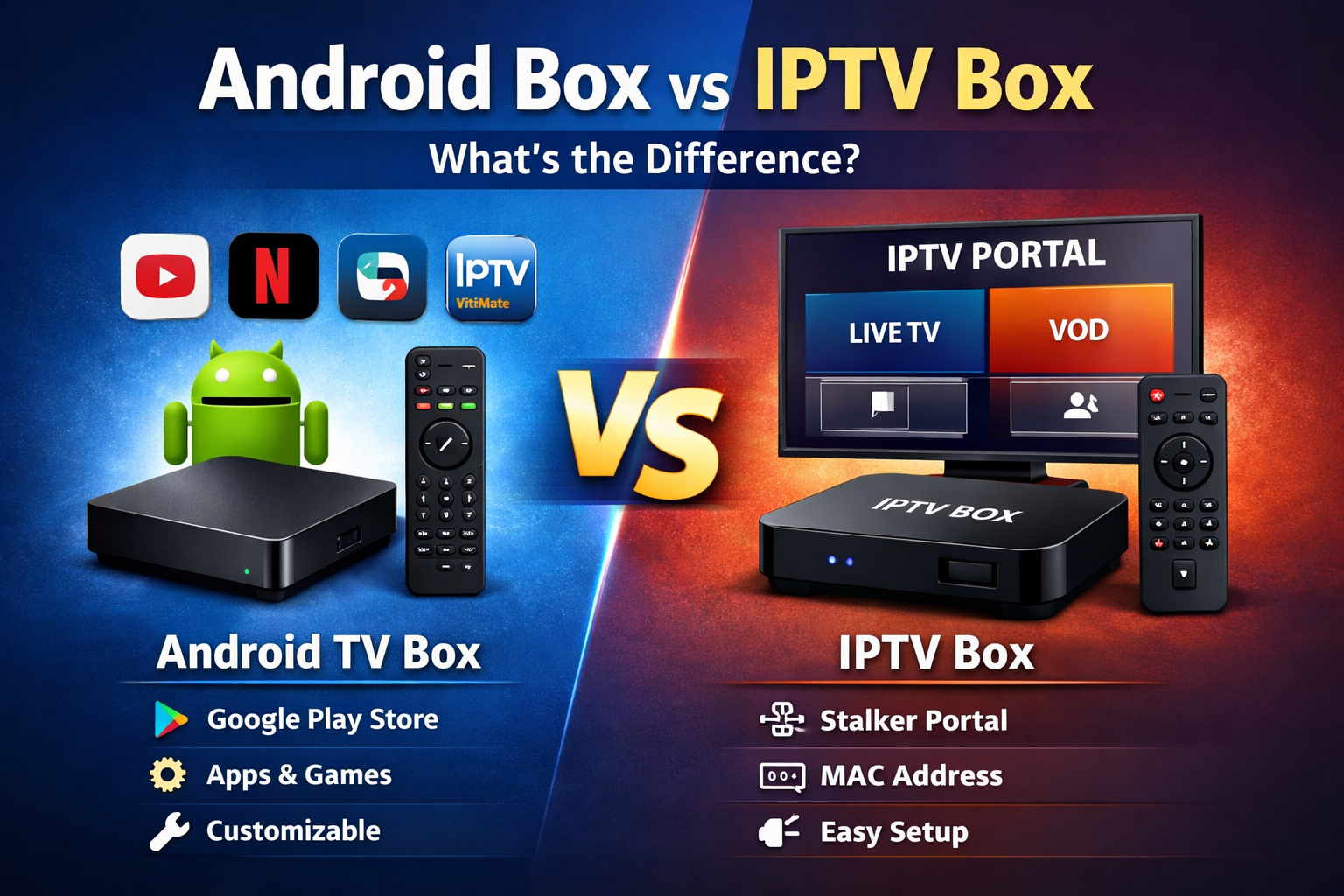
Both Android TV boxes and dedicated IPTV boxes can support live television streaming, but they aren't exactly the same. An Android TV box offers access to compatible streaming applications and other entertainment services, while a dedicated IPTV box typically focuses on a television-style interface, channel navigation, and IPTV-specific features.
In this updated 2027 IPTV box comparison guide, we'll explain the differences between Android TV and IPTV boxes, compare Stalker Portal and Xtream Codes compatibility, discuss streaming performance, and help you decide which device best fits your viewing habits.
What Is an Android TV Box?
An Android TV box is a streaming device that connects to your television through HDMI and runs Android-based software. Depending on the model, it may use Google TV, Android TV OS, or a modified version of Android.
These devices allow users to install compatible IPTV players, watch video through streaming applications, and access other entertainment services.
Popular features of Android TV boxes include:
- Support for compatible IPTV streaming applications
- Xtream Codes and M3U playlist support through IPTV players
- Stalker Portal compatibility through supported applications
- HD, Full HD, and 4K playback on capable devices
- Wi-Fi connectivity and Ethernet on selected models
- Access to additional streaming and media applications
- Customizable home screens and application settings
Important: Not all Android boxes are equal. A certified Android TV or Google TV device can offer better application compatibility and software support than an inexpensive generic Android box.
What Is a Dedicated IPTV Box?
A dedicated IPTV box is a streaming device designed primarily around internet television. Unlike a general-purpose Android streaming box, its software often emphasizes live channel navigation, television guides, favourites, and remote-control shortcuts.
Popular IPTV-focused devices include selected models from MAG, Formuler, and BuzzTV. Their capabilities differ, and some Formuler and BuzzTV devices also run Android-based operating systems.
Common features of dedicated IPTV boxes include:
- Live TV-focused menus and channel lists
- Electronic Program Guide (EPG) support
- Favourite channels and viewing history
- Remote controls designed for television navigation
- Stalker Portal support on compatible models
- Xtream Codes or M3U support on selected devices
- Recording and catch-up features where supported
A dedicated IPTV box can be particularly useful for viewers who prefer switching channels with a remote rather than navigating through several applications.
Android TV Box vs IPTV Box: Main Differences
The biggest difference between an Android TV box and a dedicated IPTV box is how the device is designed to be used.
| Feature | Android TV Box | Dedicated IPTV Box |
|---|---|---|
| Main purpose | General streaming and applications | Live TV and IPTV-focused viewing |
| IPTV applications | Wide selection on compatible models | Built-in or supported IPTV software |
| Xtream Codes | Supported through compatible apps | Supported on selected models |
| Stalker Portal | Requires a compatible app | Supported on many IPTV-focused devices |
| M3U playlists | Supported through compatible apps | Supported on selected models |
| 4K streaming | Available on capable models | Available on capable models |
| EPG support | Depends on IPTV player | Commonly integrated into IPTV interface |
| App flexibility | Generally greater | Varies by operating system |
| Remote navigation | App-dependent | Often optimized for live TV |
| Best suited for | Viewers wanting multiple streaming apps | Viewers prioritizing a TV-style experience |
The categories can overlap. Some IPTV-focused boxes use Android and offer additional applications, while certain Android TV boxes can provide an excellent live-TV experience with the right IPTV player.
Which IPTV Box Is Best for Canada?
When comparing the best IPTV boxes for Canada, start with your television, internet connection, preferred applications, and IPTV subscription format.
Canadian viewers may want a device that supports:
- Compatible Canadian and international live TV services
- Hockey, basketball, soccer, and other sports programming where available
- HD and 4K video playback
- Ethernet or reliable dual-band Wi-Fi
- Electronic Program Guides
- Xtream Codes, M3U, or Stalker Portal connections
- Regular software updates
- Convenient remote-control navigation
There isn't one IPTV box that is automatically best for every Canadian household. A certified Google TV device may be suitable for someone who uses several streaming applications, while a dedicated IPTV receiver may be more convenient for someone who mainly watches live television.
If you're also comparing streaming services, explore Best IPTV Canada options and check which connection methods are supported before choosing your device.
Android TV Box vs IPTV Box for Xtream Codes
Xtream Codes IPTV is a common connection method that uses a server URL, username, and password to connect a compatible IPTV application to a service.
Android TV boxes can support Xtream Codes through compatible applications such as TiviMate, IPTV Smarters, XCIPTV, and other supported players.
Some dedicated IPTV boxes also support Xtream Codes through built-in software or additional applications.
If your subscription uses Xtream Codes, compare the available IPTV players, interface features, and software compatibility before purchasing a box.
Which IPTV Box Is Better for Stalker Portal?
Stalker IPTV commonly uses a portal URL and MAC-address-based activation. It is associated with devices and applications designed to connect to compatible IPTV middleware systems.
Certain MAG, Formuler, and BuzzTV devices provide portal-based connection options, although the supported protocols and activation methods vary by model.
Android TV boxes can also support Stalker connections through compatible applications, but setup may require additional configuration.
If you primarily use a portal-based IPTV service, check the box's supported portal format and activation requirements before purchasing.
For a more detailed explanation, read our Stalker IPTV vs Xtream Codes guide to understand how these connection methods compare.
Which IPTV Box Has Better Streaming Quality?
When comparing Android TV boxes and IPTV boxes, many buyers focus on advertised 4K or 8K capabilities. However, device specifications alone do not determine the quality of an IPTV stream.
Actual playback depends on:
- The quality and bitrate of the original video stream
- The device's processor and memory
- Supported video codecs, including H.264, H.265/HEVC, or AV1 where available
- Internet speed and network stability
- The IPTV application's video decoder
- The streaming server's performance
A well-supported streaming device with a stable internet connection can deliver a better experience than a more expensive box with outdated software or poor network performance.
Wi-Fi vs Ethernet: Which Is Better for IPTV?
Whether you choose an Android TV box or a dedicated IPTV box, a stable internet connection is essential for smooth playback.
Using Ethernet for IPTV
A wired Ethernet connection generally provides more consistent network performance and avoids many common Wi-Fi interference problems.
If your streaming box has an Ethernet port and your router is nearby, a wired connection is often worth considering.
Using Wi-Fi for IPTV
Wi-Fi can also provide reliable IPTV streaming when the signal is strong and the network isn't congested. Dual-band or newer wireless devices may offer additional flexibility depending on your router.
If you experience freezing, lagging, or channels that won't load, read our fix IPTV buffering and freezing guide for troubleshooting steps.
Is an Android TV Box Easier to Set Up Than an IPTV Box?
Setup difficulty depends on the device and IPTV connection method.
On an Android TV box, you generally connect the device to the internet, install a compatible IPTV player, and enter the subscription details supplied by your provider.
On a dedicated IPTV box, you may configure a portal URL, activate the device with a MAC address, or sign in through a supported IPTV application.
For viewers who are comfortable installing applications, Android TV can be straightforward. For viewers who prefer a familiar television interface, a dedicated IPTV box may require fewer everyday steps after initial setup.
Android TV Box vs IPTV Box: Which Is Better for Beginners?
If you're new to IPTV, ease of use may be more important than the number of applications or advanced settings available.
A dedicated IPTV box can be convenient because its remote and channel interface may resemble a traditional cable or satellite receiver.
An Android TV box can also be beginner-friendly when it comes with a simple interface and a properly configured IPTV application.
The best choice is the one that lets you access your preferred content without unnecessary complexity.
What to Check Before Buying an IPTV Box in Canada
Before purchasing a new IPTV streaming device, compare these important specifications and features:
- Operating system: Check whether the device uses Android TV, Google TV, generic Android, or proprietary IPTV software.
- IPTV compatibility: Confirm support for your service's connection method.
- Video formats: Look for codecs and resolutions supported by the content you plan to watch.
- Network options: Check for Ethernet, reliable Wi-Fi, and suitable wireless standards.
- Software updates: Consider the manufacturer's update history and support.
- Remote control: Choose a layout suitable for your everyday viewing.
- Storage and memory: Ensure the device has enough resources for the applications you intend to use.
- App certification: If you use mainstream streaming platforms, check their official compatibility and certification requirements.
- Price and warranty: Compare hardware value, return policies, and support availability.
Avoid selecting a device solely because it advertises extremely high resolutions or a large number of preloaded applications. Verify the hardware specifications and software support first.
Should You Buy an Android TV Box or a Dedicated IPTV Box?
Choose an Android TV Box If You:
- Want IPTV alongside other streaming applications
- Prefer installing and switching between different IPTV players
- Use Xtream Codes or M3U playlists
- Want greater control over application settings
- Prefer a multipurpose streaming device
Choose a Dedicated IPTV Box If You:
- Mainly watch live television
- Prefer a traditional channel-based interface
- Want dedicated remote-control functions
- Use a compatible Stalker Portal service
- Prefer integrated IPTV features such as EPG and favourites
Remember that some devices combine features from both categories. Compare individual models rather than assuming every Android or IPTV box works the same way.
Frequently Asked Questions About Android TV Boxes and IPTV Boxes
What is the difference between an Android TV box and an IPTV box?
An Android TV box is generally designed for multiple streaming applications, while a dedicated IPTV box focuses on live television and IPTV-specific navigation. Some IPTV-focused devices also run Android, so the categories can overlap.
What is the best IPTV box for Canada in 2027?
The best IPTV box for Canada depends on your subscription format, preferred streaming applications, internet connection, and viewing habits. Compare compatibility, software updates, network performance, and remote-control features before choosing.
Can I watch IPTV on an Android TV box?
Yes. Compatible Android TV boxes can run IPTV applications supporting Xtream Codes, M3U playlists, and certain portal-based connections.
Can an Android TV box use a Stalker Portal?
Yes, when a compatible application supports the required portal and activation method. Check the application's capabilities before purchasing or configuring your device.
Do IPTV boxes support Xtream Codes?
Many IPTV-focused devices support Xtream Codes through their software or compatible applications, but not every model does. Always confirm the exact device specifications.
Is a MAG box better than an Android TV box?
A compatible MAG box may be convenient for portal-based live TV, while an Android TV box can provide greater application flexibility. The better option depends on your IPTV connection method and preferred interface.
Does an expensive IPTV box stop buffering?
Not necessarily. Better hardware may improve device performance and video decoding, but it cannot eliminate buffering caused by network instability, source-stream problems, or server congestion.
Do I need a special IPTV box to watch IPTV?
No. IPTV can work on various compatible devices, including Android TV boxes, selected Smart TVs, Fire TV devices, Apple TV, computers, and smartphones. Compatibility depends on the service and application.
Final Verdict: Android TV Box vs IPTV Box in 2027
Choosing between an Android TV box and a dedicated IPTV box comes down to how you prefer to watch television.
If you want access to several streaming applications, flexible IPTV players, and additional entertainment features, an Android TV box may be the better fit.
If your main priority is live TV with simple channel navigation, a dedicated IPTV box may offer a more familiar viewing experience.
Before buying either device, confirm support for your IPTV connection method, including Xtream Codes, M3U, or Stalker Portal.
Want to compare services for your new streaming device? Browse our IPTV server packages and review the available connection options before subscribing.
Related Products