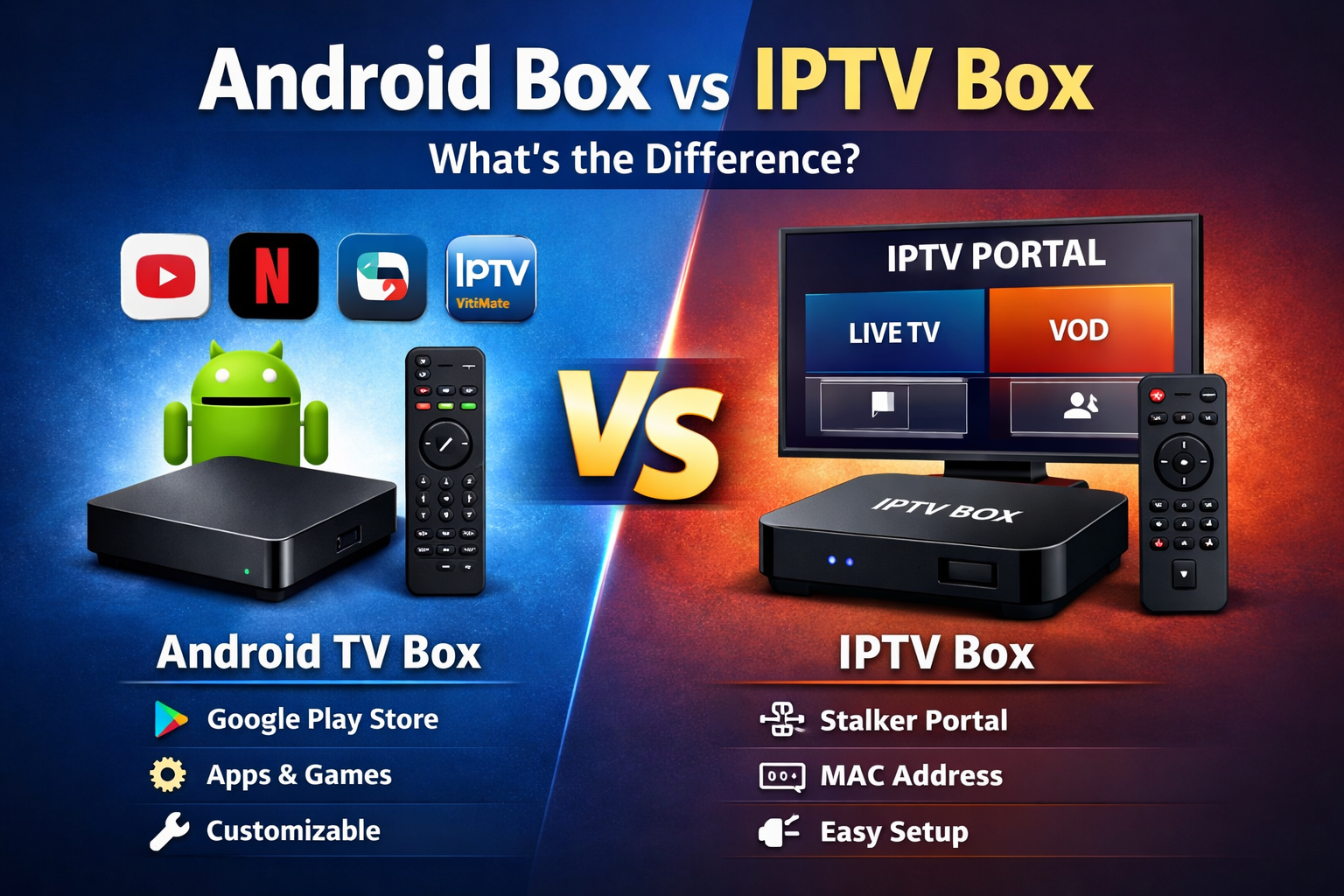
If you're planning to watch IPTV, you may be wondering whether you need an Android TV Box or a dedicated IPTV Box. Both can be used to stream live television, movies, series, and other content, but there are important differences in how they work and who they are best suited for.
The simplest difference is that an Android TV Box is a general-purpose streaming device that can run IPTV apps along with many other applications, while a dedicated IPTV Box is designed primarily around watching live television and often provides a more traditional TV-style interface.
Before choosing a device or IPTV options for Canadian viewers, it is important to make sure the box supports the connection method used by the service you plan to watch.
What Is an Android TV Box?
An Android TV Box is a streaming device powered by Android or Android TV. It connects to your television through HDMI and allows you to install compatible applications for IPTV, video streaming, music, media playback, and other services.
One of the biggest advantages of an Android TV Box is flexibility. Instead of being designed around one IPTV interface, you can choose from different IPTV players and change applications if your needs change.
- Supports a wide selection of streaming applications.
- Can work with Xtream Codes and M3U services using compatible apps.
- Can support Stalker or portal-based IPTV with compatible applications.
- Provides access to other entertainment and media apps.
- Allows greater customization.
- Can be used for much more than IPTV.
The exact features depend on the device. Certified Android TV or Google TV devices may provide a different experience from inexpensive generic Android boxes, so hardware quality and software support should also be considered.
What Is a Dedicated IPTV Box?
A dedicated IPTV Box is a streaming device designed with live television as one of its main purposes. These devices often provide an interface and remote control that feel more like using a traditional cable or satellite receiver.
Many IPTV boxes provide features such as channel categories, favourites, Electronic Program Guides (EPG), channel history, recording features where supported, and dedicated remote-control buttons.
Some IPTV boxes support Stalker Portal or MAC-based authentication, while others can also support Xtream Codes, M3U playlists, or multiple connection methods. Compatibility depends on the particular box and software.
- Designed around live television viewing.
- Simple remote-control navigation.
- TV-style channel interface.
- EPG and favourites support on compatible services.
- Some models support Stalker Portal or MAC authentication.
- Some models also support Xtream Codes and M3U.
Android TV Box vs IPTV Box: What's the Difference?
| Feature | Android TV Box | Dedicated IPTV Box |
|---|---|---|
| Main Purpose | General streaming and apps | Live TV and IPTV |
| App Selection | Usually larger | Depends on device |
| Customization | High | Usually more TV-focused |
| Ease of Use | Depends on app and device | Usually very simple for live TV |
| Xtream Codes & M3U | Yes, with compatible apps | Supported by many models |
| Stalker Portal | Possible with compatible apps | Supported by many IPTV boxes |
| Other Streaming Apps | Wide selection | Varies by device |
| Best For | Users wanting flexibility | Users wanting a TV-style experience |
Which Is Easier to Use?
For someone who mainly wants to turn on the television, select a channel, and start watching, a dedicated IPTV box can be easier to navigate.
The remote controls and menus on these devices are often designed specifically for live television. This can make them a good option for people who do not want to constantly switch between applications or configure different players.
An Android TV Box may require a little more setup because you need to choose and configure an IPTV application. Once properly configured, however, it can also be very simple to use.
Which Gives You More Flexibility?
Android TV Boxes generally provide greater flexibility because IPTV is only one of the things the device can do.
You can install different compatible IPTV players, use regular streaming applications, play local media files, and use other Android applications depending on the device.
This flexibility can also be useful if you change IPTV services in the future and need to use a different application or connection method.
Which Device Should You Choose?
Choose an Android TV Box if you:
- Want to install different IPTV applications.
- Want a device for IPTV and other streaming services.
- Prefer more control over your applications and settings.
- Use Xtream Codes or M3U services.
- May want to change IPTV players in the future.
Choose a dedicated IPTV Box if you:
- Mainly use the device for live television.
- Prefer simple remote-control navigation.
- Want a television-style channel interface.
- Use a Stalker Portal or MAC-based service.
- Prefer a device designed specifically around IPTV viewing.
Does the Box Affect IPTV Picture Quality?
The device can affect performance, but buying a more expensive box does not automatically improve the original quality of an IPTV stream.
A newer device with sufficient memory, a capable processor, good network hardware, and support for modern video formats can provide smoother navigation and playback than an older or underpowered device.
Your internet connection, home network, IPTV service, application, and original stream quality also affect the final viewing experience.
Wi-Fi vs Ethernet on an IPTV Box
Regardless of which type of box you choose, network stability is important. Ethernet can provide a consistent connection when the box is located close enough to the router for a wired connection.
Wi-Fi can also work well, particularly with a strong signal and a modern router. Problems can occur when the box is far from the router, the Wi-Fi network is congested, or several devices are heavily using the connection at the same time.
Xtream Codes, M3U and Stalker Compatibility
The connection method is one of the most important things to check before choosing a box.
Xtream Codes services normally use a server address, username, and password. M3U services use a playlist URL. Stalker IPTV commonly uses a portal URL together with MAC-based authentication.
Android boxes can support different connection methods by installing compatible applications. Dedicated IPTV boxes may have one or more connection methods built directly into their television interface.
If you're unsure which system is appropriate for your device, our Stalker IPTV vs Xtream Codes comparison explains how the two connection methods differ.
Android TV Box vs IPTV Box: Final Thoughts
There isn't one device that is best for everyone. The right choice depends on how you plan to use it.
An Android TV Box is generally the better choice for someone who wants flexibility, different applications, and a device that can be used for more than IPTV. A dedicated IPTV Box may be better for someone who mainly watches live television and wants a straightforward interface controlled by a traditional remote.
Whichever option you choose, confirm that the device supports your IPTV connection method before subscribing or purchasing new hardware.
Frequently Asked Questions
Is an Android TV Box better than an IPTV Box?
Not necessarily. Android TV Boxes generally provide more flexibility and application choices, while dedicated IPTV boxes can provide a simpler live-TV experience. The better choice depends on how you plan to use the device.
Can I watch IPTV on an Android TV Box?
Yes. Android TV Boxes can run compatible IPTV applications that support connection methods such as Xtream Codes, M3U playlists, and, with the appropriate application, portal-based services.
Do IPTV boxes support Xtream Codes?
Many modern IPTV boxes do, but support varies by manufacturer and model. Check the specifications of the device before purchasing it.
Which type of box is easier for beginners?
A dedicated IPTV box can be easier for someone who mainly wants to watch live television because the interface and remote are often designed specifically for that purpose.
Can an Android TV Box use a Stalker Portal?
Yes, if you install a compatible application that supports portal or MAC-based connections. Compatibility depends on the application and IPTV service.
Related Products