
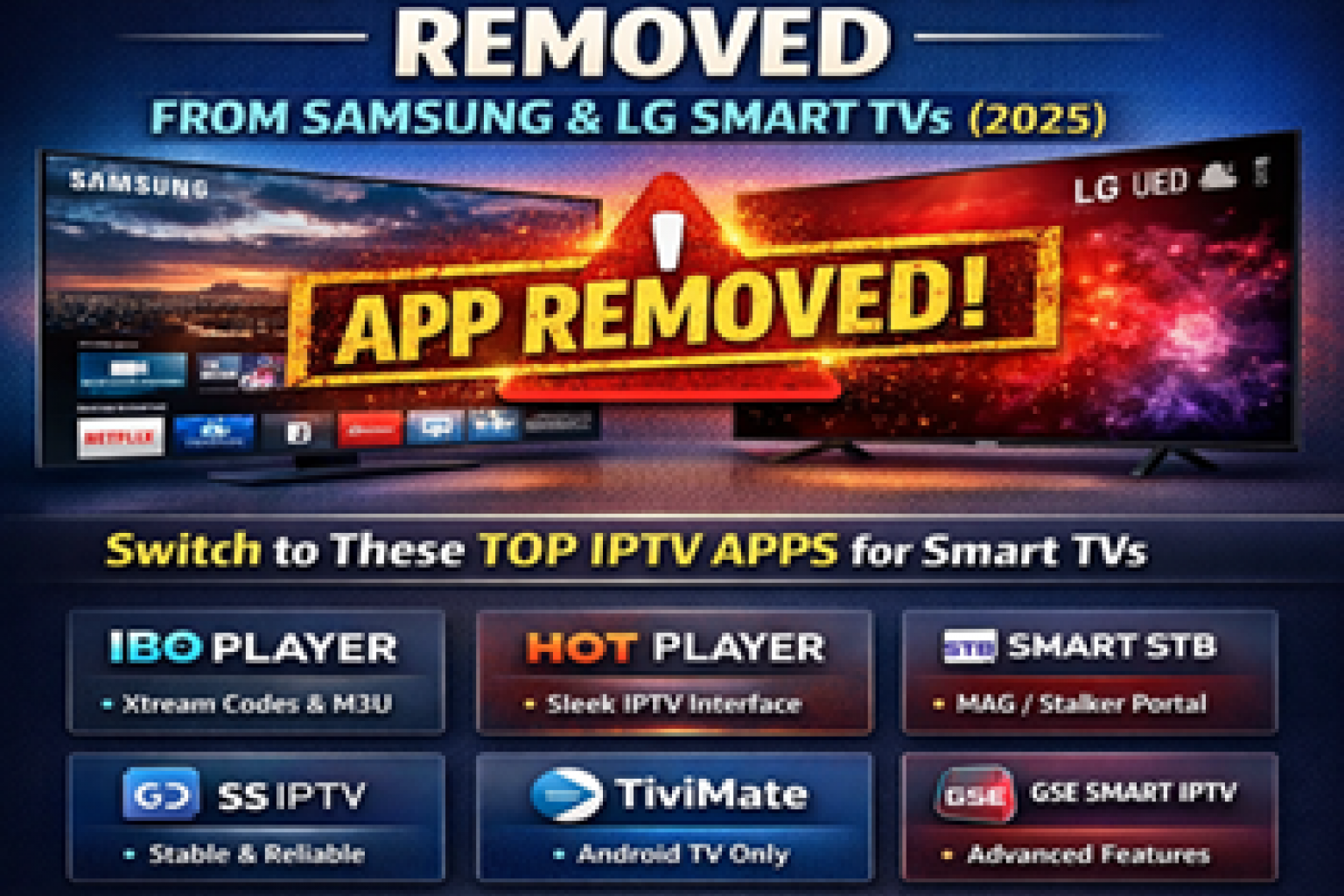
If Smarters Player or IPTV Smarters Pro is no longer working on your Smart TV, you're not alone. Many users have reported problems such as the app disappearing from the TV app store, failing to load playlists, login errors, or showing a blank screen after installation.
Whether you own a Samsung Smart TV, LG Smart TV, or another compatible television, there are several reasons why Smarters Player may stop working. Fortunately, there are also reliable alternatives that support Xtream Codes, M3U playlists, and modern IPTV services.
If you're looking for a reliable Canada IPTV Provider, choosing the right IPTV player is just as important as choosing a quality IPTV service.
Why Smarters Player Stops Working
Several factors can prevent Smarters Player from working properly on Smart TVs.
- The app is no longer available in your TV's app store.
- Your television no longer supports the latest app version.
- The application requires an update.
- Your IPTV login details are incorrect.
- Your internet connection is unstable.
- Your IPTV provider is performing server maintenance.
Before replacing the app, always verify that your IPTV subscription is active and that your login information is correct.
Best IPTV Apps for Smart TVs
If Smarters Player no longer works on your television, several excellent IPTV players are available for Samsung, LG, Android TV, and other Smart TVs.
- IBO Player
- HOT Player
- Smart STB (MAC Portal)
- SS IPTV
- TiviMate (Android TV)
- GSE Smart IPTV (Android)
Most of these applications support Xtream Codes and M3U IPTV services, making setup quick and simple.
Which IPTV Apps Work on Different TVs?
| Device | Recommended IPTV Apps |
|---|---|
| Samsung Smart TV | IBO Player, HOT Player, Smart STB, SS IPTV |
| LG Smart TV | IBO Player, HOT Player, Smart STB, SS IPTV |
| Android TV | TiviMate, GSE Smart IPTV |
| Firestick | TiviMate, IPTV Smarters, XCIPTV, IMPlayer |
How to Fix Smarters Player
- Restart your Smart TV.
- Update the IPTV application.
- Confirm your IPTV subscription is active.
- Verify your Xtream Codes or M3U login details.
- Restart your modem and router.
- Try another IPTV application if the issue continues.
If your IPTV service buffers or freezes after logging in, follow our how to fix iptv buffering and freezing.
Xtream Codes vs Stalker IPTV
Most Smart TV IPTV applications use Xtream Codes or M3U playlists. If your IPTV service uses MAC Portal authentication instead, you'll need a compatible application such as Smart STB or another Stalker IPTV solution.
Final Thoughts
If Smarters Player is no longer working on your Smart TV, the problem is often related to application compatibility, outdated software, incorrect login information, or temporary server issues. Fortunately, several modern IPTV players provide an excellent replacement and are compatible with today's Smart TVs.
To learn more about choosing a reliable IPTV service, read our Best IPTV in Canada guide.