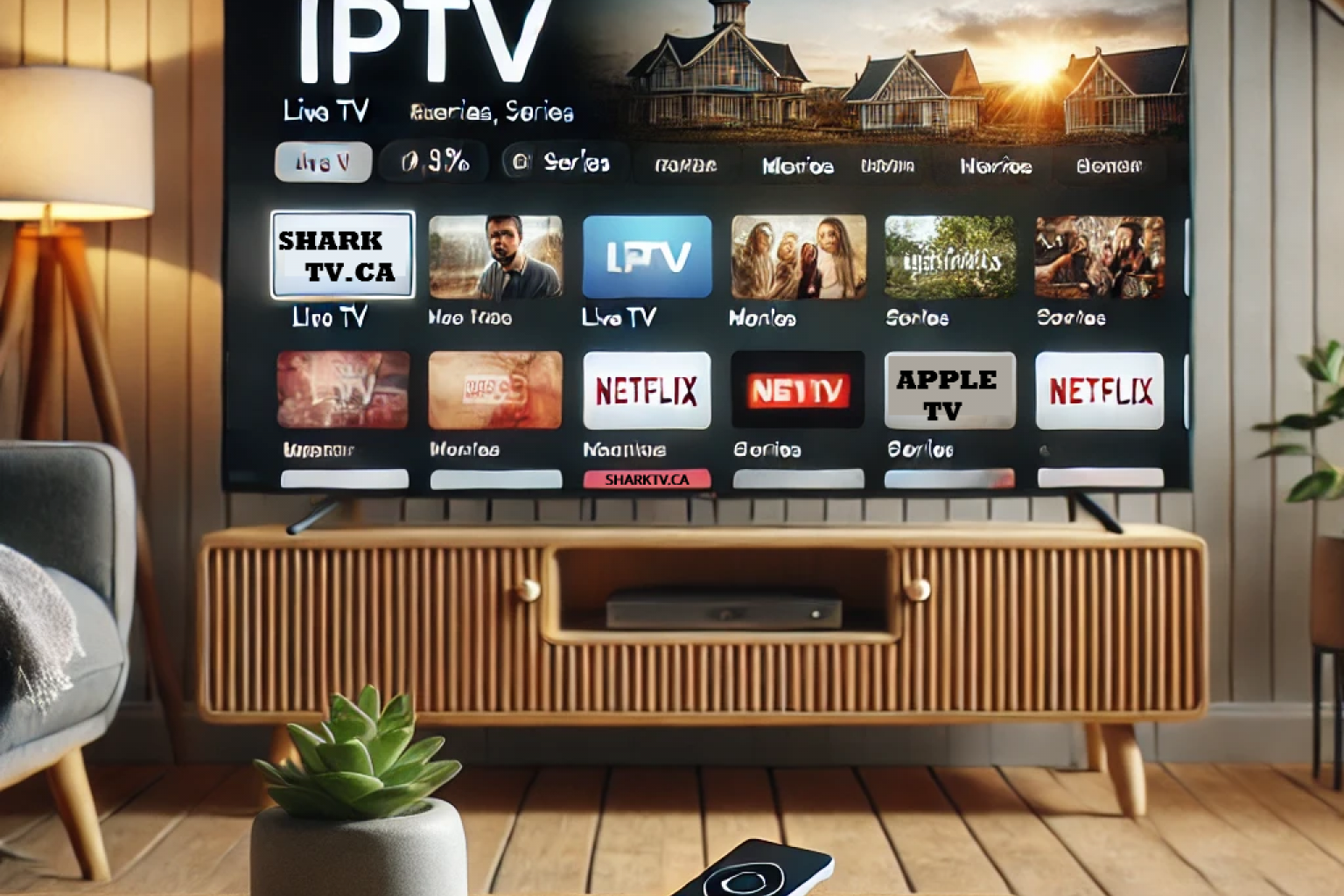
Apple TV is one of the best streaming devices for watching IPTV thanks to its fast performance, excellent picture quality, and easy-to-use interface. Whether you're using an Apple TV HD or Apple TV 4K, you can enjoy live TV, movies, TV series, and sports with the right IPTV app and subscription.
In this guide, you'll learn how to install IPTV on Apple TV, which IPTV apps to use, and the difference between Xtream Codes IPTV and Stalker IPTV so you can choose the correct setup.
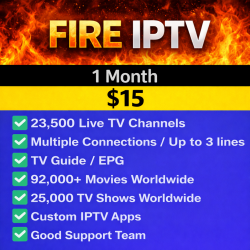
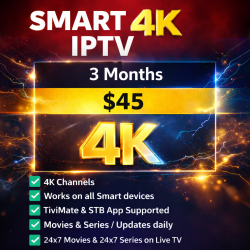
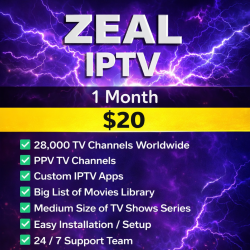
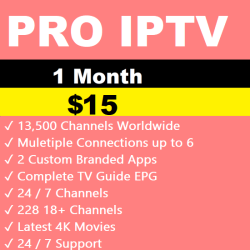
If you're looking for reliable IPTV services compatible with Apple TV, browse our Best Canadian IPTV.
Can You Watch IPTV on Apple TV?
Yes. Apple TV fully supports IPTV using several popular IPTV player apps available through the Apple App Store. After installing an IPTV player, simply enter the login information provided with your IPTV subscription and you'll have access to live television, movies, TV series, and more.
Best IPTV Apps for Apple TV
Several IPTV applications work well on Apple TV. The most popular options include:
The app you choose depends on the type of IPTV service you have.
Xtream Codes IPTV Setup
If your IPTV provider supplies a username, password, and server URL, your service uses Xtream Codes.
For Xtream Codes IPTV, we recommend using either Smarters Player Lite or Smarters Player Pro.
How to Set Up Xtream Codes IPTV
- Open the Apple App Store.
- Install Smarters Player Lite or Smarters Player Pro.
- Launch the application.
- Select Login with Xtream Codes API.
- Enter your username, password, and server URL.
- Save your account and allow your playlists to load.
- Start watching Live TV, Movies, and TV Series.
Stalker IPTV Setup
If your IPTV service requires a MAC Address for activation, you're using a Stalker IPTV server.
Stalker IPTV requires STB Emulator or StbEmuTV instead of IPTV Smarters.
How to Set Up Stalker IPTV
- Install StbEmuTV from the Apple App Store.
- Open the application.
- Locate your MAC Address.
- Provide the MAC Address to your IPTV provider for activation.
- Restart the application after activation.
- Your channels should load automatically.
Xtream Codes vs Stalker IPTV
| Xtream Codes IPTV | Stalker IPTV |
|---|---|
| Username & Password Login | MAC Address Activation |
| Uses IPTV Smarters | Uses STB Emulator |
| Easy to switch devices | Device-specific activation |
Common Apple TV IPTV Problems
If IPTV doesn't work correctly on Apple TV, try these solutions:
- Restart your Apple TV.
- Check your internet connection.
- Update your IPTV application.
- Verify your IPTV login information.
- Restart your modem or router.
- Contact your IPTV provider if your subscription has expired.
Compatible IPTV Services
Apple TV works with both Xtream Codes IPTV and Stalker IPTV services. Before installing an IPTV app, confirm which type of service your IPTV provider offers so you can use the correct application.
Browse our available IPTV servers to compare Xtream Codes and Stalker IPTV options.
Final Thoughts
Installing IPTV on Apple TV is quick and straightforward when you use the correct IPTV application. Xtream Codes services work with IPTV Smarters Player, while Stalker IPTV services require STB Emulator.
If you're looking for a reliable IPTV provider compatible with Apple TV, visit our Best IPTV Canada to explore available plans and streaming options.
Related Products