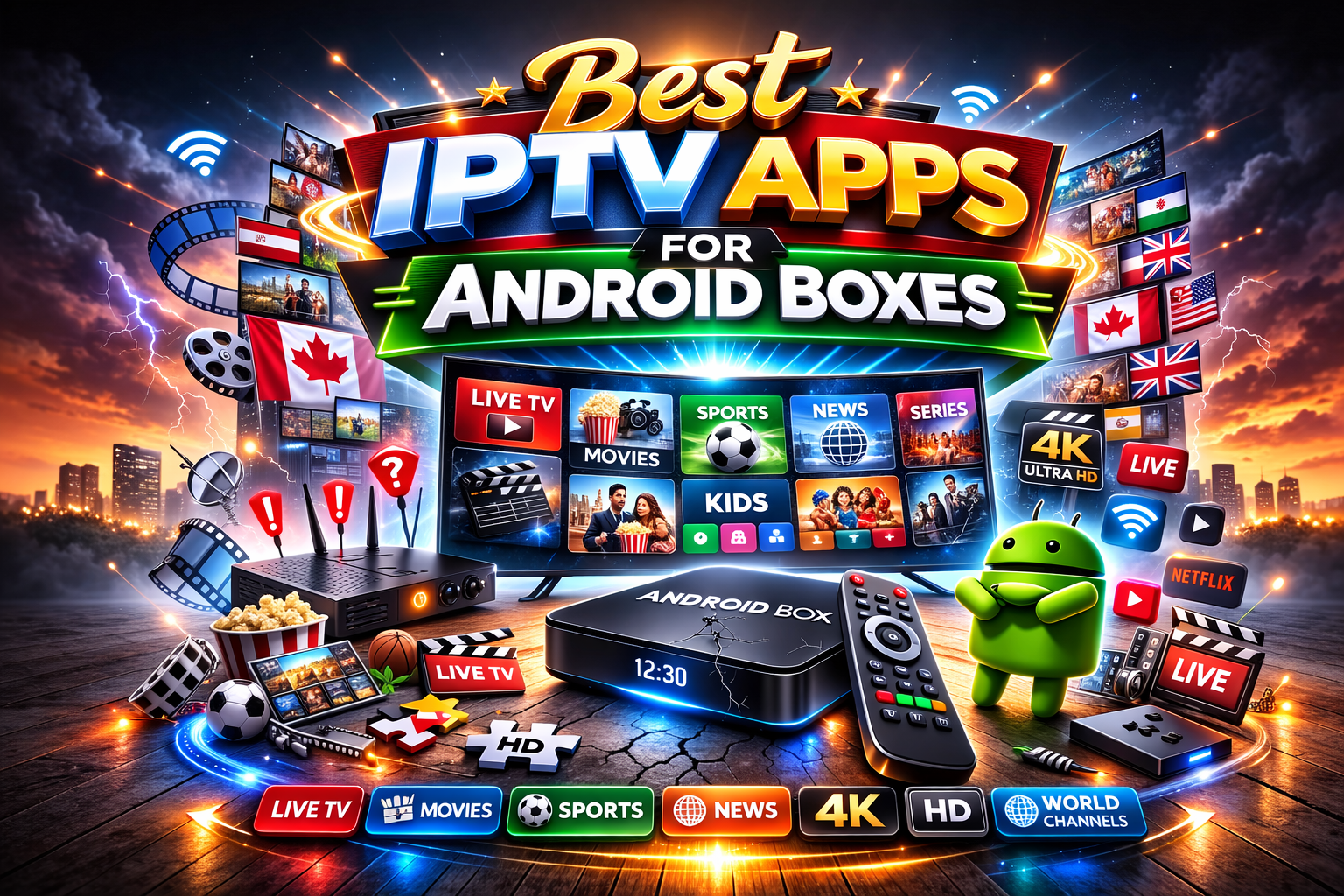
Choosing the right IPTV player is just as important as selecting a reliable IPTV subscription. A good IPTV application provides faster channel loading, smoother navigation, Electronic Program Guide (EPG) support, and better playback quality across live TV, movies, and TV series.
Android TV boxes remain one of the most popular devices for IPTV because they support a wide range of IPTV applications using Xtream Codes, M3U playlists, and Stalker Portal technology. The right player can significantly improve your viewing experience.
If you're comparing IPTV services, browse the Trusted IPTV Canada for all local Xtream Code M3u and Stalker local Canadian IPTV servers.
What Makes a Good IPTV Player?
Not every IPTV application offers the same features. Before choosing a player, consider whether it supports:
- Xtream Codes login
- M3U playlist support
- Stalker Portal compatibility
- Electronic Program Guide (EPG)
- Video-on-Demand playback
- Catch-Up TV where supported
- Multiple playlists
- Fast channel switching
- HD and 4K playback
1. TiviMate
TiviMate is widely regarded as one of the best IPTV players available for Android TV and Android boxes. It offers a modern television-style interface, smooth navigation, excellent EPG support, and advanced playlist management.
It works particularly well with Xtream Codes and M3U IPTV subscriptions.
2. IPTV Smarters Pro
IPTV Smarters Pro is one of the most widely used IPTV applications. It supports live television, Video-on-Demand, television series, multiple user profiles, parental controls, and a simple interface suitable for beginners.
The application supports Xtream Codes login details as well as M3U playlists.
3. XCIPTV Player
XCIPTV Player is a lightweight IPTV application with support for live television, EPG, catch-up features where available, and Video-on-Demand content.
Its clean layout makes it popular among Android TV users looking for a straightforward IPTV experience.
4. OTT Navigator
OTT Navigator is designed for users who want advanced playlist organization and customization. It handles very large channel lists efficiently and offers powerful filtering, grouping, and sorting options.
It is particularly popular among experienced IPTV users.
5. STB Emu
STB Emu is commonly used with IPTV services that rely on Stalker Portal technology. It recreates the interface of traditional MAG devices and is compatible with many Stalker-based IPTV subscriptions.
Customers should confirm whether their IPTV service uses Stalker Portal before choosing STB Emu.
6. VLC Media Player
Although VLC is not a dedicated IPTV player, it is useful for testing M3U playlists and streaming links. Many users use VLC to verify whether a playlist is working correctly before configuring another IPTV application.
Which IPTV App Should You Choose?
The best IPTV application depends on your subscription and preferred features.
- TiviMate — Excellent overall IPTV experience.
- IPTV Smarters Pro — Great for beginners and multi-device households.
- XCIPTV — Lightweight and easy to use.
- OTT Navigator — Best for advanced users.
- STB Emu — Designed for Stalker Portal services.
- VLC — Best for testing playlists.
Compatible IPTV Devices
These applications are commonly used on:
- Android TV Boxes
- Google TV
- Amazon Firestick
- NVIDIA Shield
- Smart TVs
- Windows PCs
- Android tablets and smartphones
Choosing the Right IPTV Subscription
A quality IPTV player is only one part of the streaming experience. Customers should also compare:
- Supported login methods
- Available channels
- Video-on-Demand content
- EPG availability
- Connection options
- Subscription length
- Device compatibility
- Customer support
Browse the Canadian IPTV Plans to compare available subscription options.
Frequently Asked Questions
Which IPTV app is best for Android TV?
Many users choose TiviMate or IPTV Smarters Pro because they offer modern interfaces, EPG support, and compatibility with Xtream Codes and M3U playlists.
Does IPTV Smarters work on Android boxes?
Yes. IPTV Smarters Pro is compatible with many Android TV boxes, Firestick devices, smartphones, tablets, and Smart TVs.
Can I use one IPTV app for every IPTV service?
Not always. Some subscriptions use Xtream Codes, others use M3U playlists, while Stalker Portal services often require different applications such as STB Emu or manufacturer-specific software.
Do IPTV apps include channels?
No. IPTV applications are media players. They require an IPTV subscription before live channels and on-demand content can be viewed.
Final Thoughts
Choosing the right IPTV player improves navigation, playback, and overall streaming quality. By selecting a compatible application and pairing it with a suitable IPTV subscription, Android TV users can enjoy a smooth entertainment experience across live television, sports, movies, and TV series.
Related Products